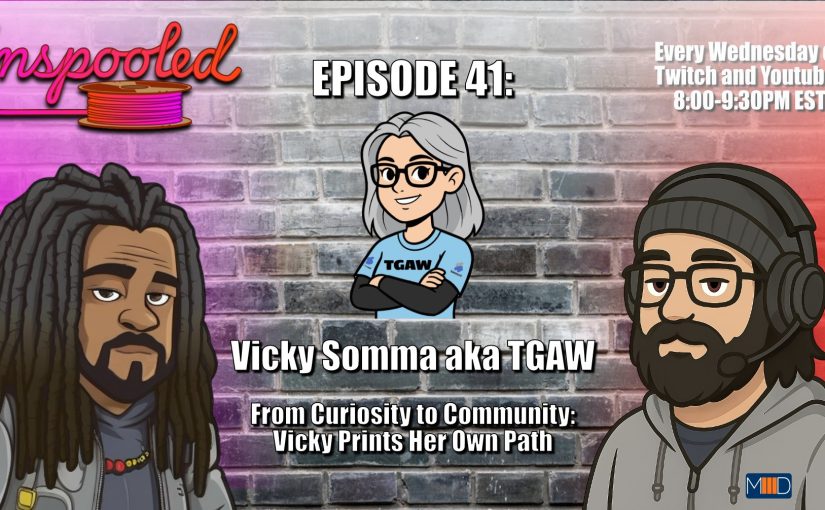
I had a delightful time this week as a guest on the Unspooled podcast. Mojee3D and LayerXLayer did an excellent job as hosts. They sure know how to make a guest feel welcome. They even made a little grey-haired Vicky cartoon for the episode thumbnail! The experience reminded me a bit of “This is Your Life”, but in 3D Model form. The hosts brought up photos of models of my past. From my Wine Cork Turkeys to Custom Infill Coding to Filament Poop Vonnegut to my Stained-Glass Needlepoint Heron to my Gazebo that made its way into a Hallmark Christmas movie, I enjoyed reminiscing on my old projects and providing some backstory on their inspiration and process.
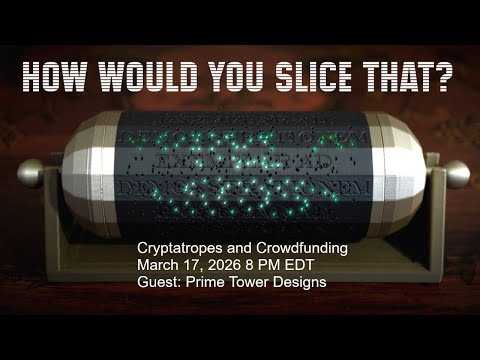
How You Would Slice That? – Prime Tower Designs
In this day in age where we are surrounded by technology, we can get desensitized to every day wonder. Tonight’s guest, Mike from Prime Tower Designs, is combatting that with 3D Printing and Physics. He aims to create “little moments of magic” with his designs. Those moments of magic often combine light and movement to make animations with no electronics. His designs are resonating. His models have been downloaded over 34,000 times. He’s won Maker World contest awards. He’s even hosted a Maker World contest. He and his animated holiday ornaments been featured on the local news. You may have caught him recently on Meet the Polymaker. And his first crowd-funding project has raised more three times its original goal.
Tonight, we welcome Prime Tower Designs and look forward to hearing how “Engineering Plus Art Equals Magic”.
Learn more about Prime Tower Designs at:
https://linktr.ee/prime_tower
Support the Cryptatrope Project at:
https://makerworld.com/en/crowdfunding/190-cryptatrope-a-maker-adventure
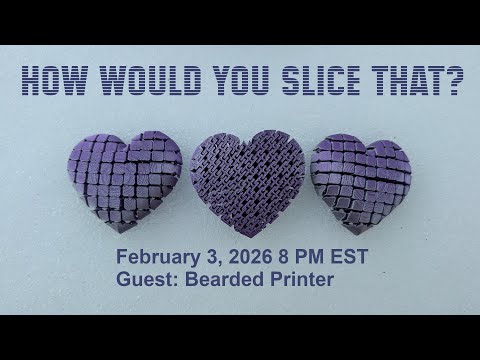
How Would You Slice That? – Bearded Printer
There are a lot of options for both 3D Printers and 3D Modeling software out there. Finding the right tool for you, your mindset, and your processes can make a vast difference in your experience. Our guest tonight, Bearded Printer, learned that firsthand! His early 3D Printing experiences were a bit bumpy and frustrating. In fact, his very first print started with the nozzle digging into the bed! But with time and research, he was able to find the tools and the features, like a filament run out sensor, that changed his experience dramatically.
Today, he is a proven 3D Designer. He’s won prizes in the Weekly Leagues from Thangs. He has been highlighted in a PezLiz’s Meet Designer episode and was profiled by All3DP. Between Printables, Thangs, and Maker World, his 3D Models and printer profiles have over 435,000 downloads– that’s closing in on half a million downloads!
He has a special fancy for floppy, articulated designs including a “Floppy Floppy Disk”. But he also does prints for the home, both functional and aesthetic like lovely such as a colorful Lighthouse Lamps. And he isn’t afraid to go large, demonstrated for by the live-size Dummy13 he printed and brought to 3DPrintopia 2025.
Tonight we welcome, Bearded Printer! https://www.beardedprinter.com/
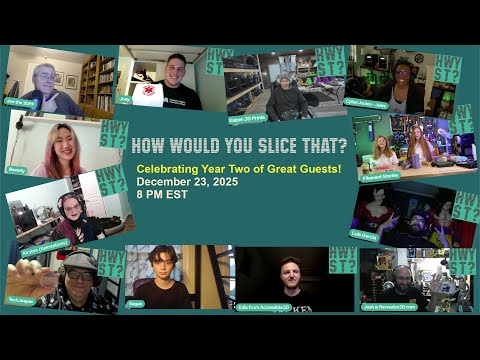
How Would You Slice That? – Celebrating Year Two of Great Guests
As 2025 comes to an end, we also conclude our second year of How Would You Slice That? And what a year it has been– with great guests from January to December. In this episode, Dr. Lawrence Nightingale and Vicky Somma revisited the year and reflected on what they’ve learned. Special Guest Kaizen3D Prints joined the stream for live updates on what he’s been up to.
How Would You Slice That? – 2D to 3D to Community – With Kekreations Art
Our guest tonight, Kirsten from Kekreations Art, started her 3D Printing journey as accomplished freelance 2D illustrator specializing in fantasy and animal illustrations. She discovered 3D Printing when she wanted to make articulated models of characters from her “Tears of a Dragon” webcomic. Like a lot of us, she fell in love with the feeling of holding the physical object, your idea, in your hand. In a little more than three years, Kirsten has built an impressive inventory of 3D Models that resonate with others. Her models have over 56,000 downloads on Thangs alone. Animals, masks, pen holders, cup holders, picture frames, gaming accessories, glasses holders, fiber art accessories like yarn bowls. And dragons– lots and lots of dragons. She has also navigated the tricky process of commercially licensing her work. Her Patreon has over 10,600 members and she has at least 400 authorized resellers for her 3D Models. You may have already spied her designs at a local craft fair.
Tonight we are pleased to welcome the prolific and inspiring Kirsten from Kekreations Art!
Kirsten’s LinkTree
https://linktr.ee/kekreations
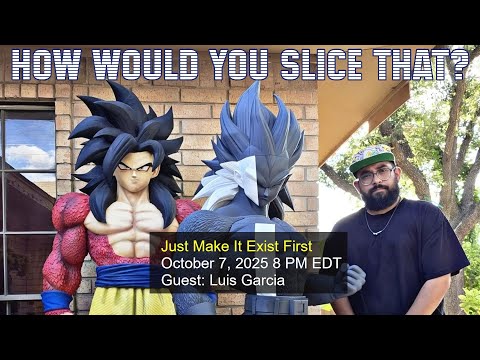
How Would You Slice That? – Just Make It Exist First with Luis Garcia
Tonight’s guest, Luis Garcia from Peps 3D Collectibles, has been enchanting adults and children alike. Hailing from the Rio Grande Valley, he is meticulously printing, assembling, and painting realistic, life-sized statues, sometimes even taller than himself! His pieces often celebrate anime and pop culture bringing delight to fans of all ages and drawing the attention of local news. And he has only been doing this about 18 months!
A side effect of his creations is he is inspiring a new wave of makers. Some of his fans have purchased printers for themselves and are working on their own statues. They are supported by Luis who works to make his process accessible. Through his social media posts and videos, he shows how you can do such large pieces with modest-sized printers like the Bambu Lab A1. He answers questions. He does video-shout outs. He shares details on seam filling, gluing, and painting. But most importantly, he shares uplifting messages of inspiration. For example, when starting a project, Luis advises not to worry about perfection. “Make it good later,” Luis advises, “Just make it exist first.”
Tonight, we’re going to make this episode exist. We are delighted to talk to Luis Garcia, learn about his process and how his 3D Printing journey has enriched his life.
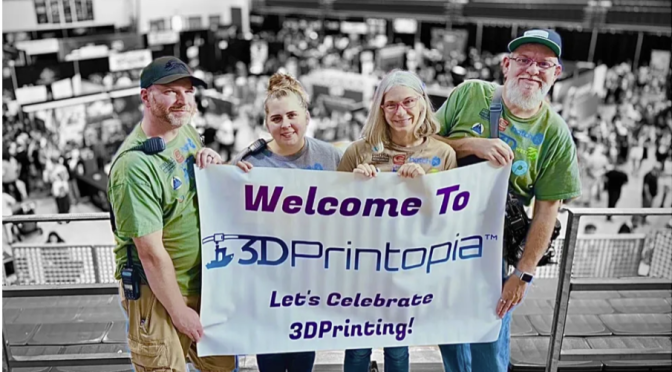
3DPrintopia Coverage on Tom Hardware
The 2025 rendition of 3DPrintopia happened recently. It was our last event with the APGFCU Arena as our home. The wonderful writer and long-time ERRF/3DPrintopia Exhibitor, Denise Bertacci (aka stlDenise) wrote a delightful recap of our last year in Bel Air for Tom’s Hardware.
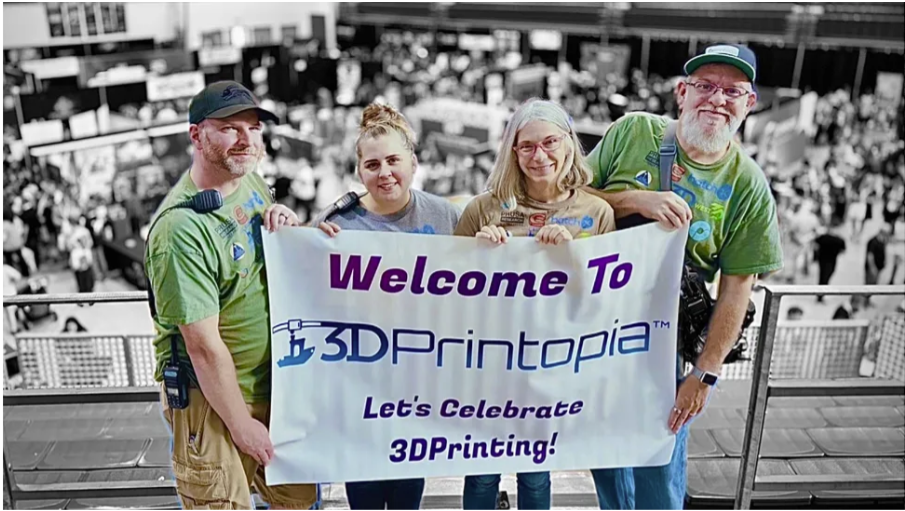
How Would You Slice That? – All Things 3DPrintopia
In this episode, in a bit of a departure, Lawrence and Vicky share what they know about the upcoming 3DPrintopia festival on September 27th and 28th, 2025. They will share their projects, and talk about the event schedule, activities, giveaways, and more. Bring your 3DPrintopia Questions… and your hype.
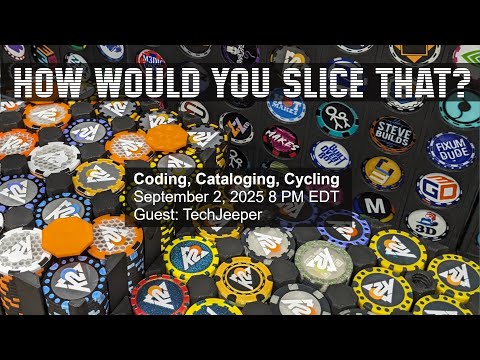
How Would You Slice That? – Coding, Cataloging, Cycling with TechJeeper
Tonight’s guest, TechJeeper, has worked in various IT positions and has experience as a software consultant. He is generous with both his time and his knowledge and now the 3D Printing Community is benefiting from his skill set! He’s launched Printventory, a free software to manage, tag, and search your 3D Models and projects. He is also behind LayeredLove.org, aimed at connecting makers with organizations that need their help. Most recently, he has worked on the MakerChip App, where you can catalog, document, and strategize additions to your MakerChip collection. As 3DPrintopia approaches later this month with another MakerChip Mania event, that site is sure to see a lot of action!
Before that frenzy, we are delighted to have time to chat tonight with TechJeeper.
Printventory https://printventory.com/
MakerChip App https://makerchip.app/
LayeredLove https://layeredlove.org/
Learn More about TechJeeper on his MakerChip Profile Page: https://makerchip.app/u/techjeeper
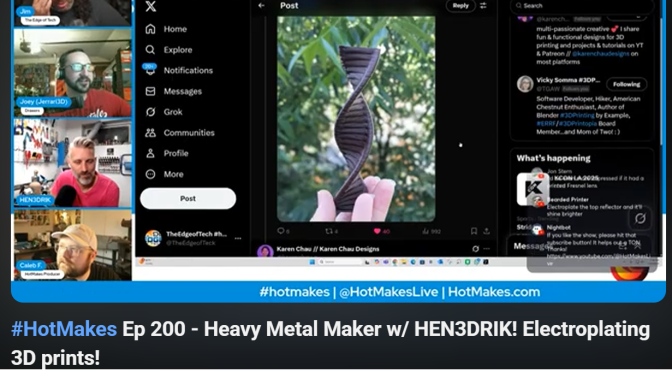
Chocolate DNA 3D Print on #HotMakes
A surprise on the July 29, 2025 HotMakes episode. My full twist Chocolate DNA from the CocoaPress made an appearance. Starts at 1 hour and 37 minutes in.